 MSK Atlas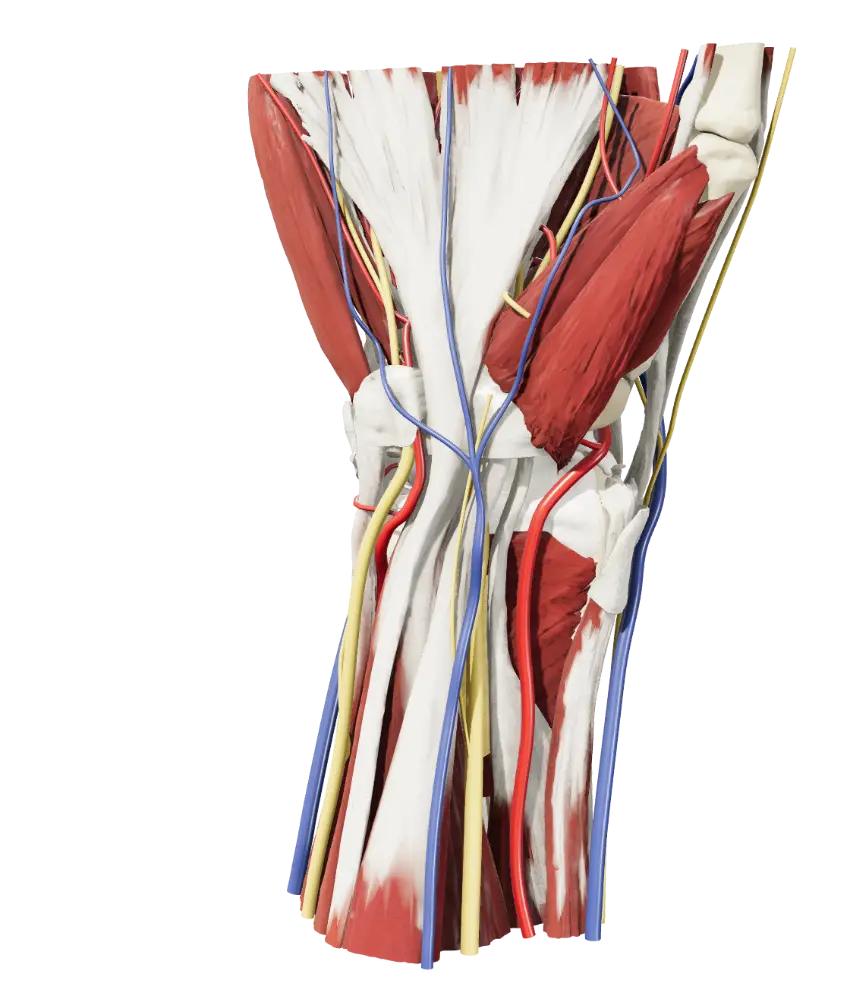
Help me improve it
An anatomical detail, a text to correct or a technical problem: every report helps.
3D anatomy atlas
Musculoskeletal anatomy to explore in three dimensions.
The atlas
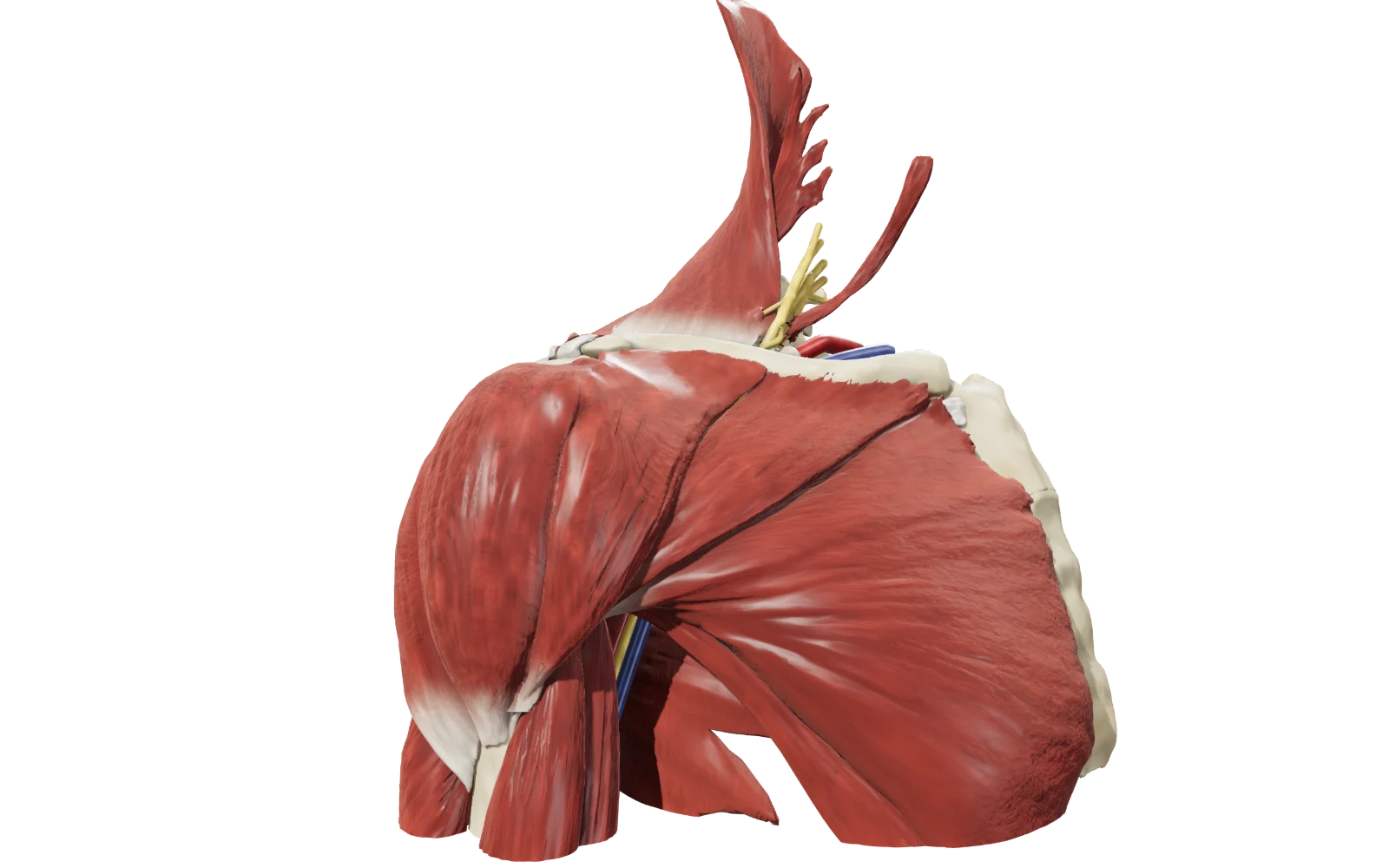
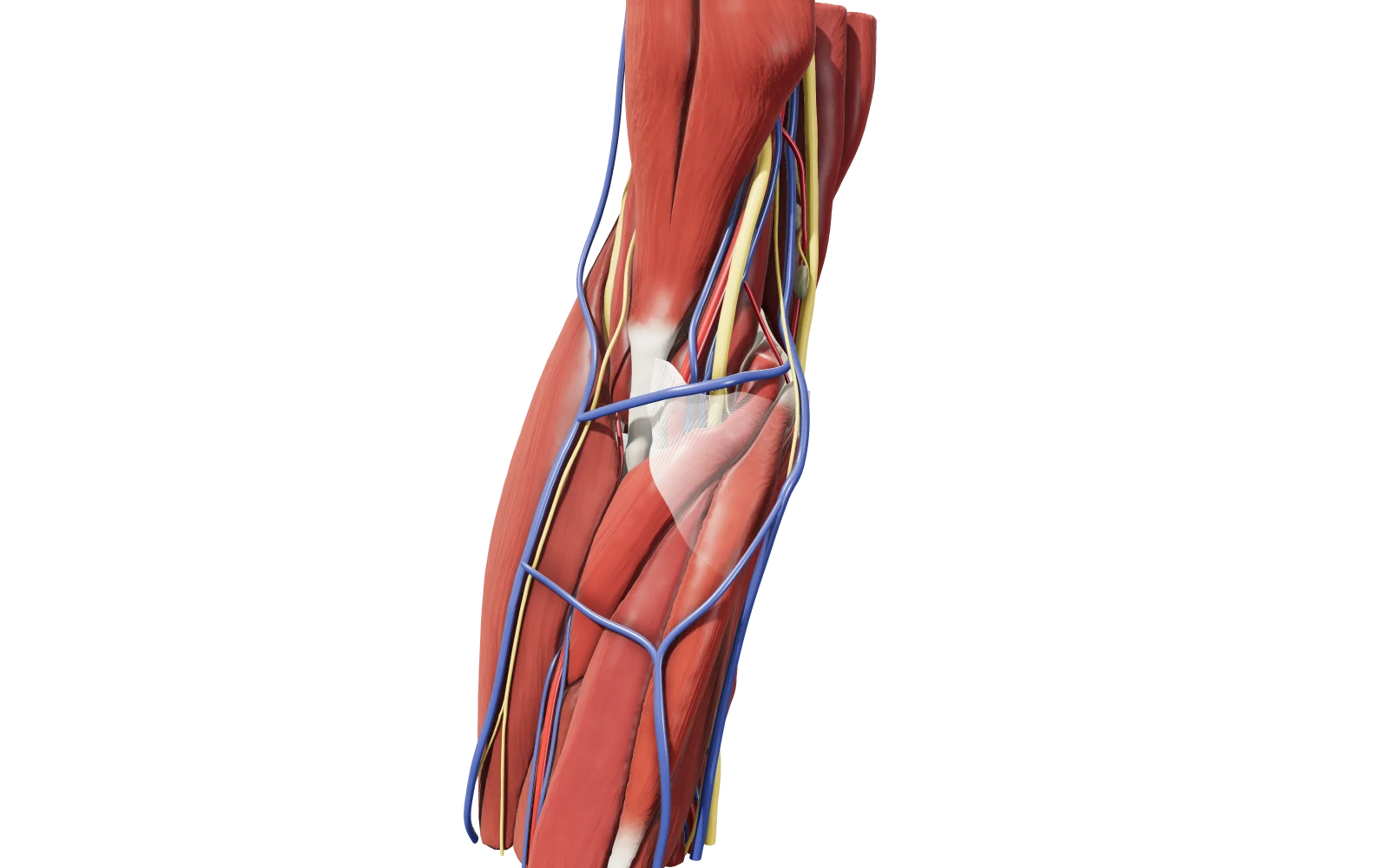
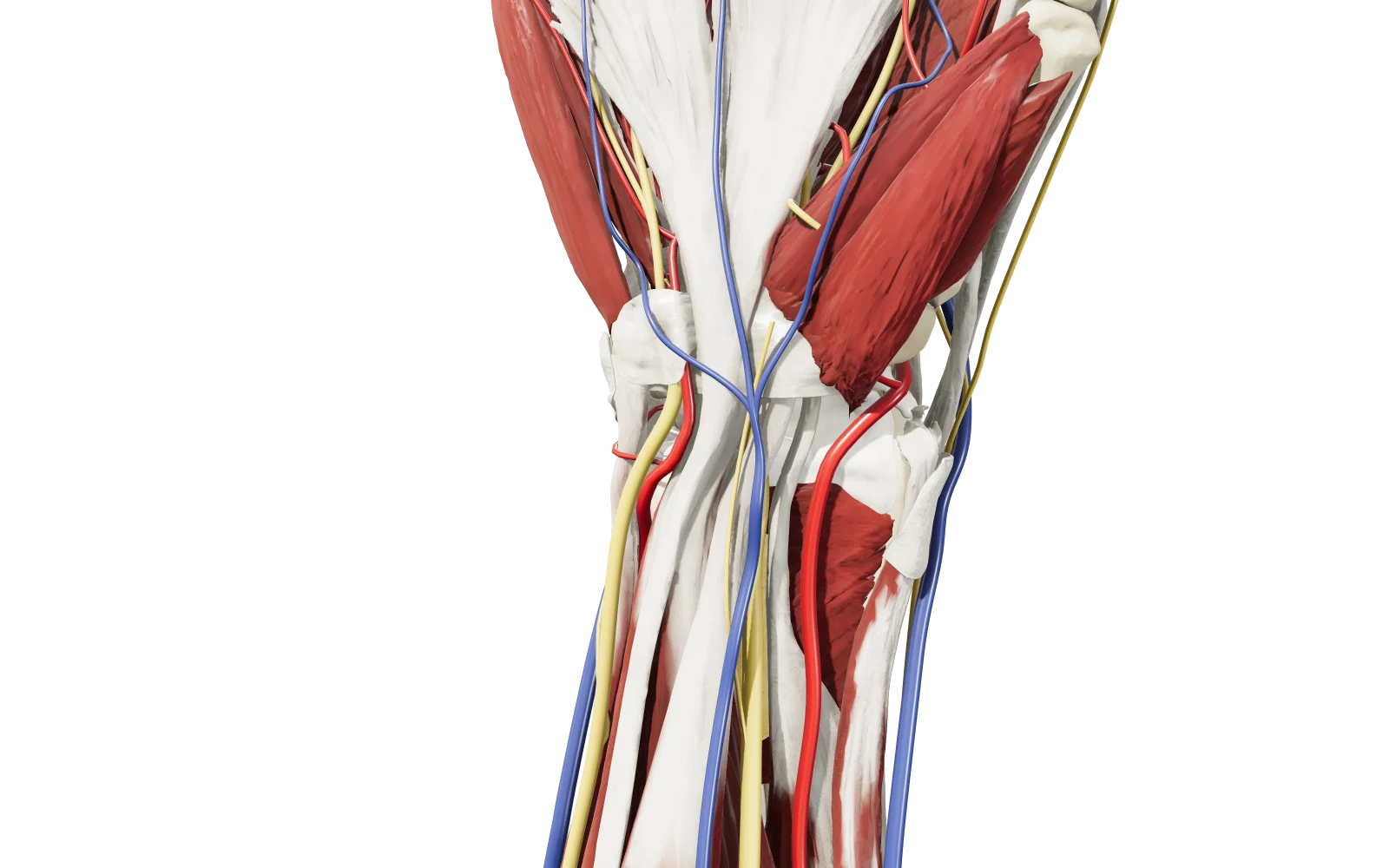
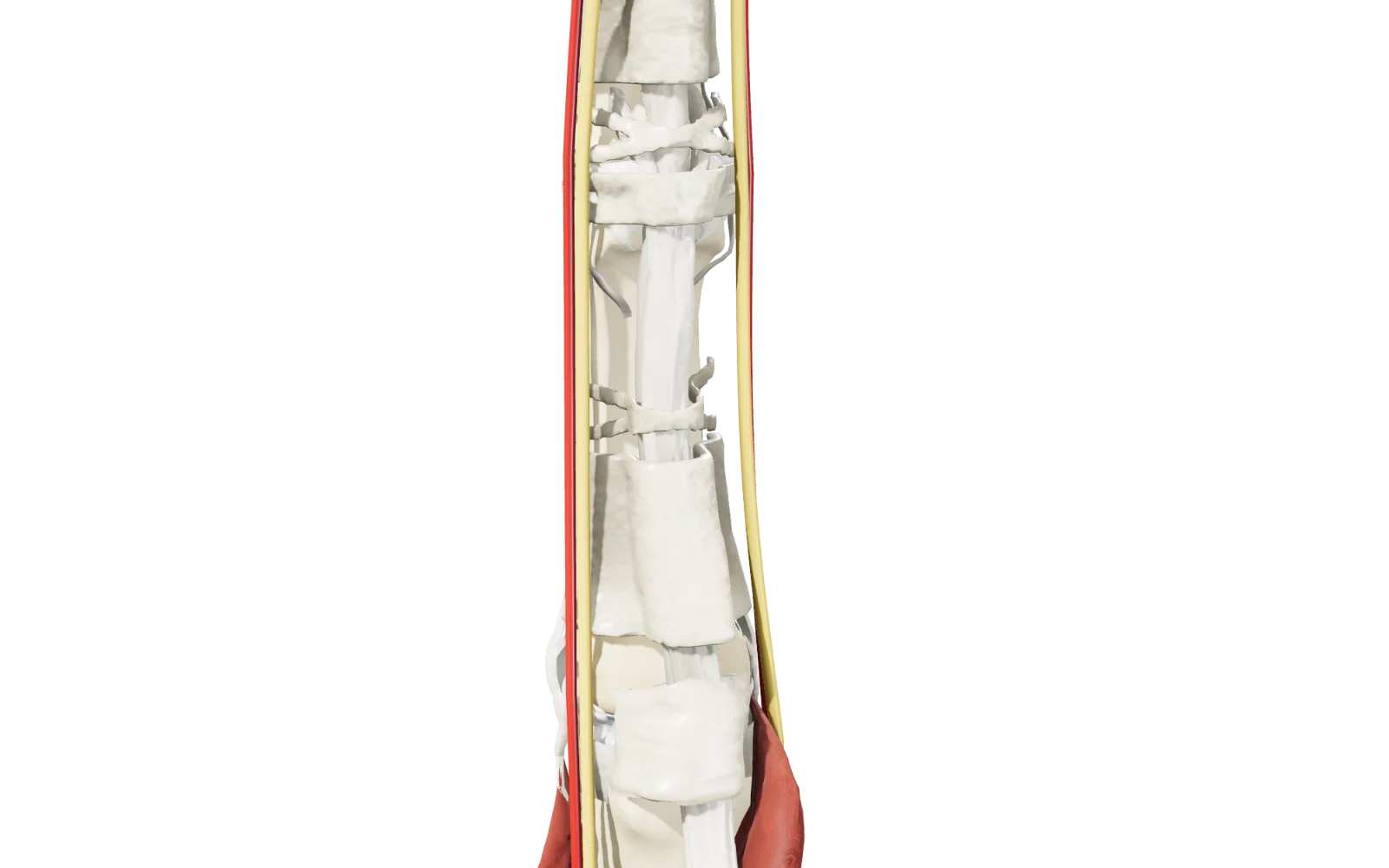
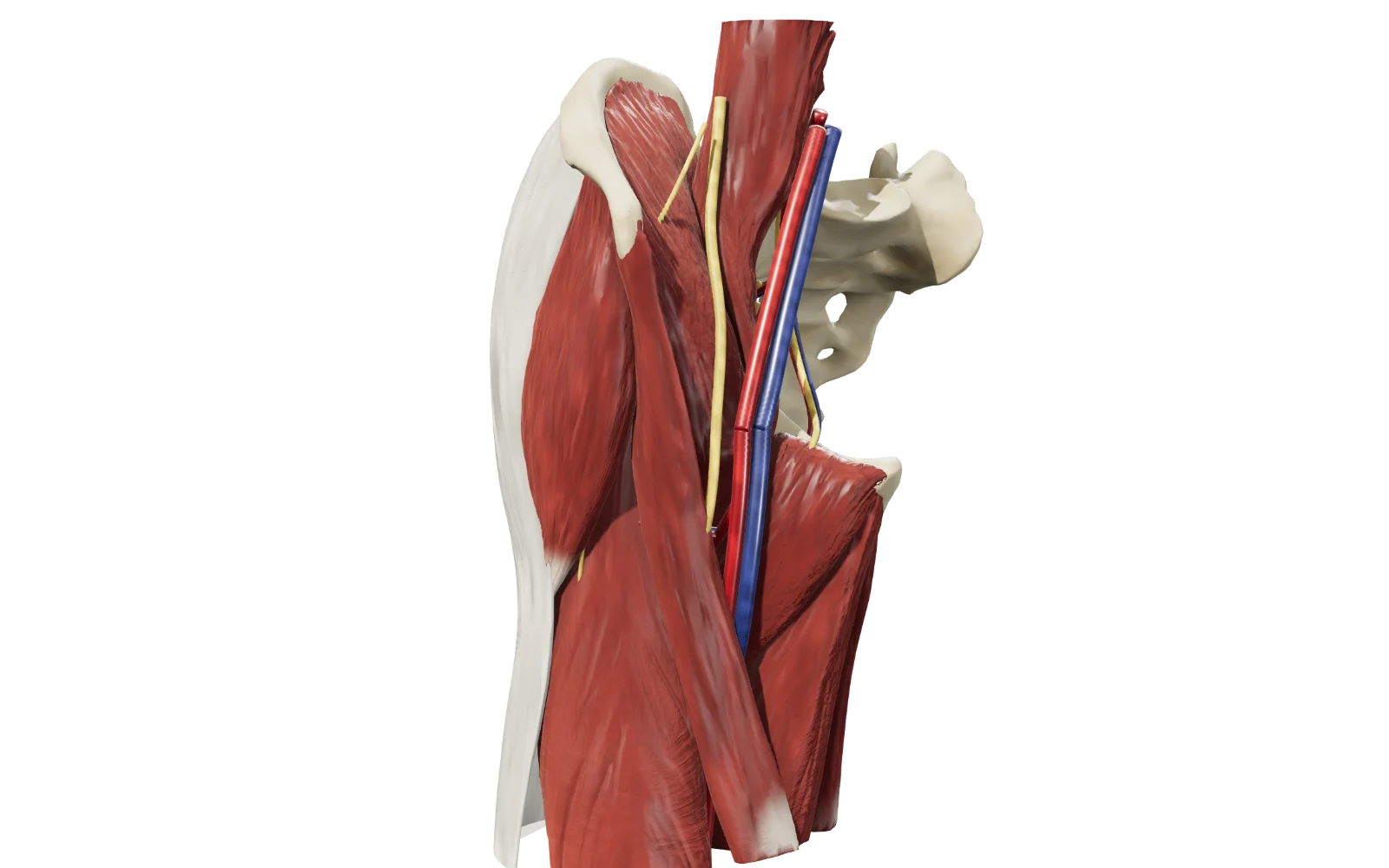
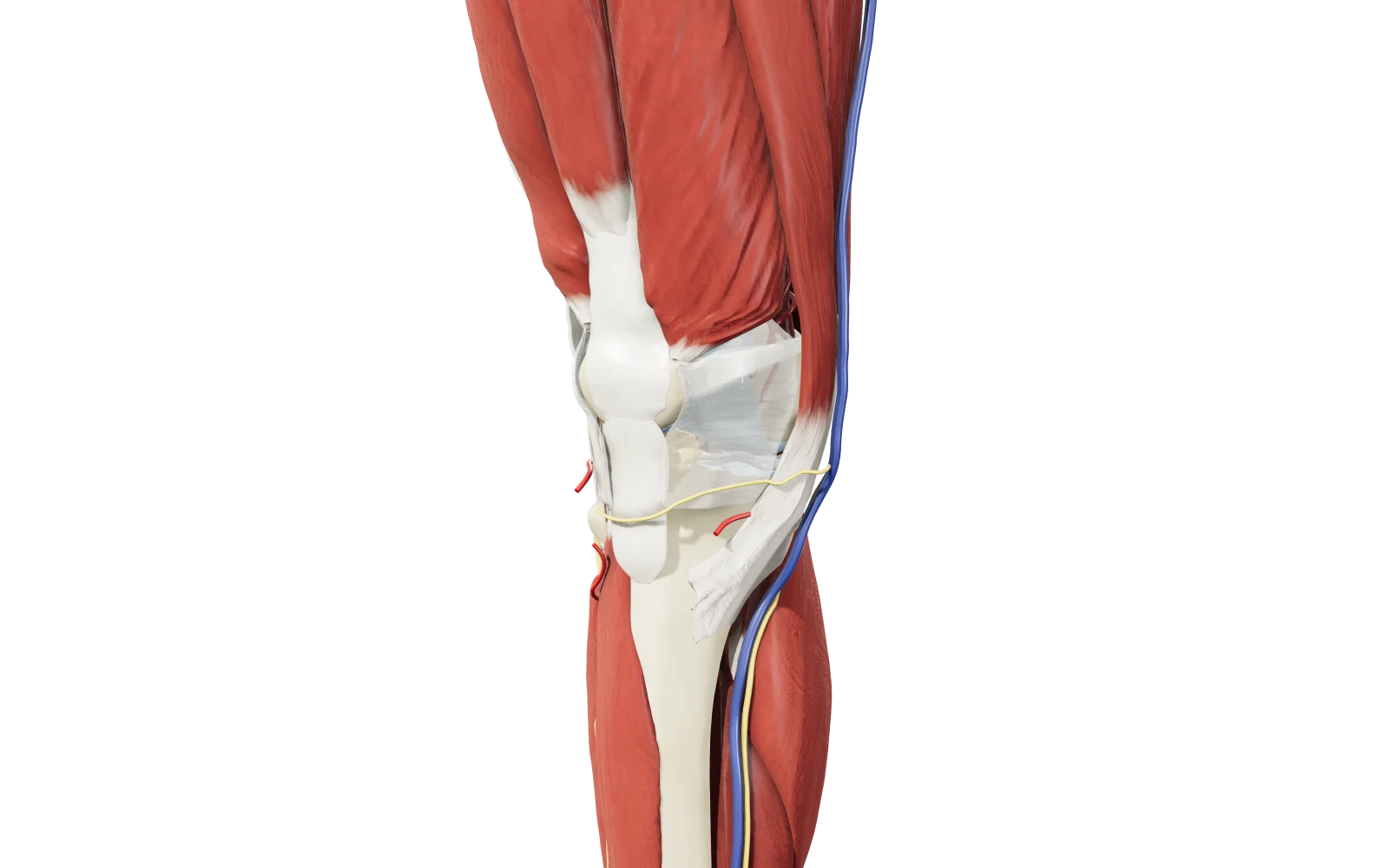
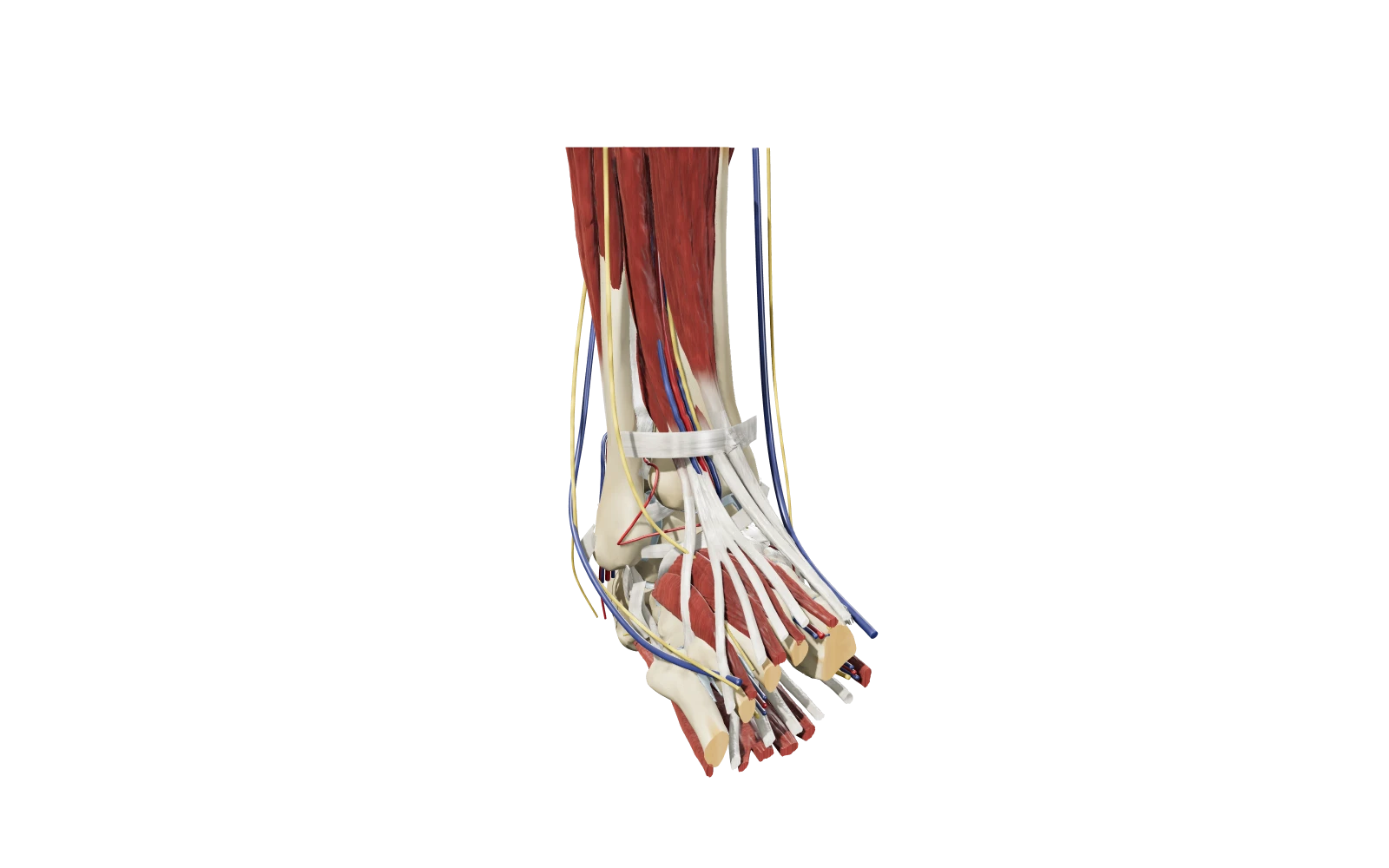
Each plate is a three-dimensional model to rotate, take apart layer by layer and consult structure by structure, with anatomical and radiological notes. Right in the browser, smartphones included.
Contact and reports
Spotted something to fix or have an idea to share? Choose how to write to me.
An anatomical detail, a text to correct or a technical problem: every report helps.
Suggestions, using the atlas in teaching or proposals for collaboration. You can contact me directly here.
How to use
Type the name above or in the search field of a model: the structure opens already selected, isolated with the bones and centered.
Drag to rotate, pinch or use the scroll wheel to zoom. To move the model: two fingers on a touch screen, right button or Shift + drag with the mouse.
The ellipse under the “i” rotates with the model and shows Ant, Post, Lat and Med: tap a side to view it head-on. In the elbow and wrist, ⇅ flips the limb.
Tap a structure or its name in the list: anatomical and radiological note, with origin, insertion and function for muscles and ligaments. On smartphones it expands upward and closes with a downward swipe.
Show or hide categories, isolate a structure with the bones, make the muscles transparent or leave only the bones. Where available, guided Regions show the area with a cut plane; “Reset” returns to the full model.
Add MSK Atlas to your Home Screen: it opens with a tap on the icon, full screen and without the browser bars. An internet connection is still required.
Since iOS 16.4 it also works from Chrome and Edge, again from the Share menu.
In other browsers, such as Samsung Internet, the option is in the main menu.